MiVue download for android 14 (Upside Down Cake)
APK file MiVue 1.5.35.1 compatible with Android 14How to install APK / APKS / OBB file on Android
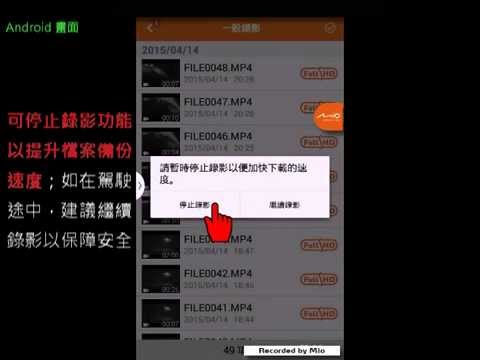

MiVue app is a local-based social network for sharing videos recorded on the road. You can install it on your mobile device, both iOS and Android are supported.
One-Click Video Backup
Simply pressing a button on MiVue DVR, it will create a 20-second video clip of the current scene for backup.
1. The backup will generate a 10-second scene of before and after you pressing the backup button.
2. Video clip will automatically be transmitted to your mobile device when you activate your MiVue App.
Collision Event Backup
MiVue DVR automatically creates a 20-second video clip when it detects a collision.
1. Automatically trimming the 10-second scene of before and after collision is detected.
2. Video clip will automatically be transmitted to your mobile device when you activate your MiVue App.
WiFi Connection Enabled
You can transmit the video clips recorded by MiVue DVR to your mobile device via WiFi connection and share them to your friends and family.
Easily Sharing Video on Social Network
You can easily share a video clip simply by clicking on one of the social network icons (Facebook, YouTube, MiVue Share, etc.) or email icon on MiVue App.
2. files can be save to sd card
3. bug fix
- LicenseFree
- File nameMiVue
- File Version1.5.35.1
- Package namecom.mitac.mitube
- Size53.11 MB
- UploadedJanuary 27, 2019
- Android4.0.3 or later
- CategorySocial
- DeveloperMio Technology
- Developer site
- Developer emailmiomobile.android@gmail.com
- md5 hash79cc34350b154922ca675f6c6613e482
- Architecturearm64-v8a armeabi-v7a x86_64 x86
- Permissionsshow (16)